
Soul Machines

Studio

Create the character. Shape the conversation.

Choose an avatar, set its voice and behavior, connect your content, and preview the result.

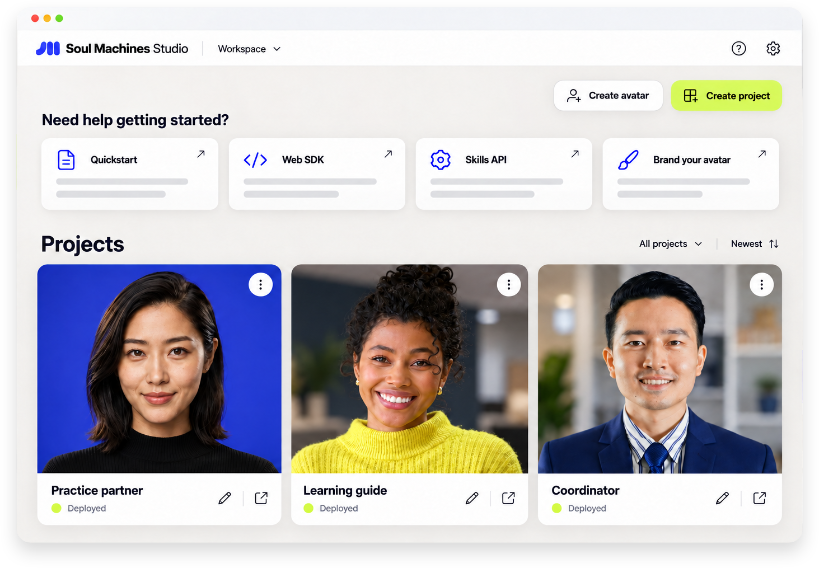
Soul Machines Studio, with deployed projects for a practice partner, a learning guide, and a coordinator.
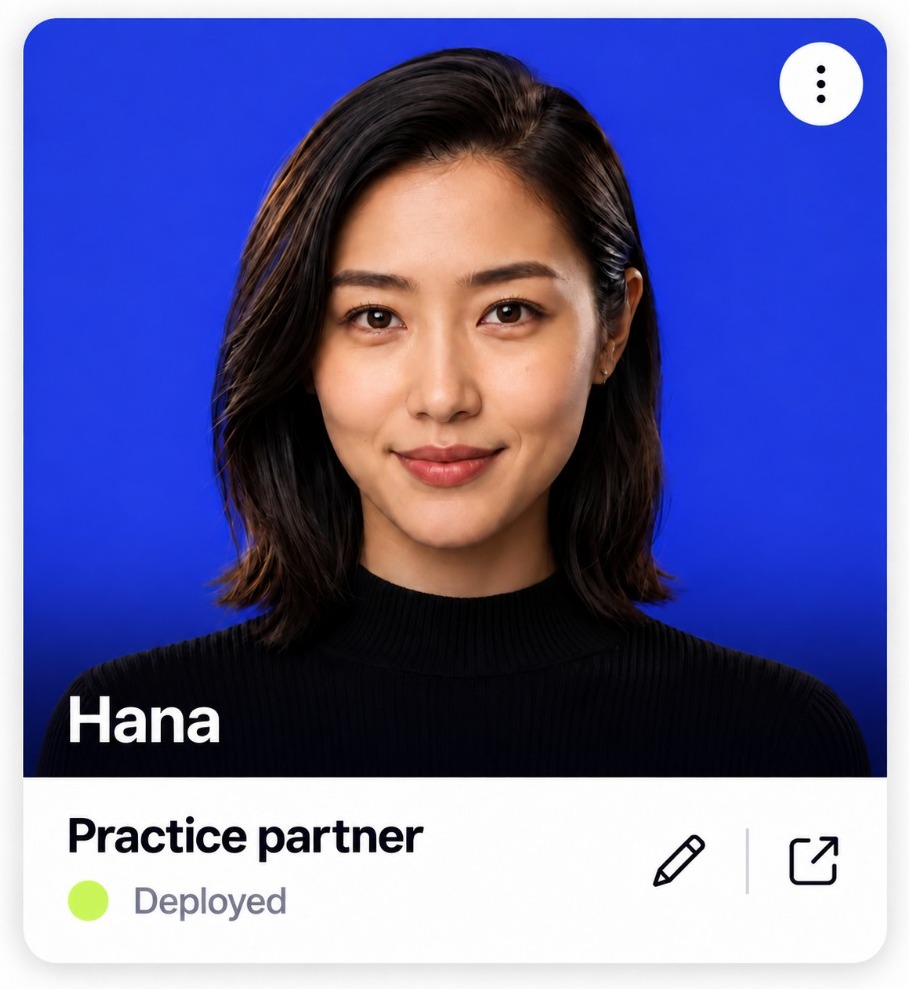
Hana, a coordinator

Built around a task

Keep the discussion moving.

Bring in a specialist, compare answers, and identify the next step.

Response style
You
We have three recommendations. Where do we start?
Hana
What decision do we need to make, and what matters most?

Connected knowledge The team’s priorities, decisions and open tasks.

Concept characters and written examples. These replies illustrate speaking approaches; they aren’t live Studio responses.
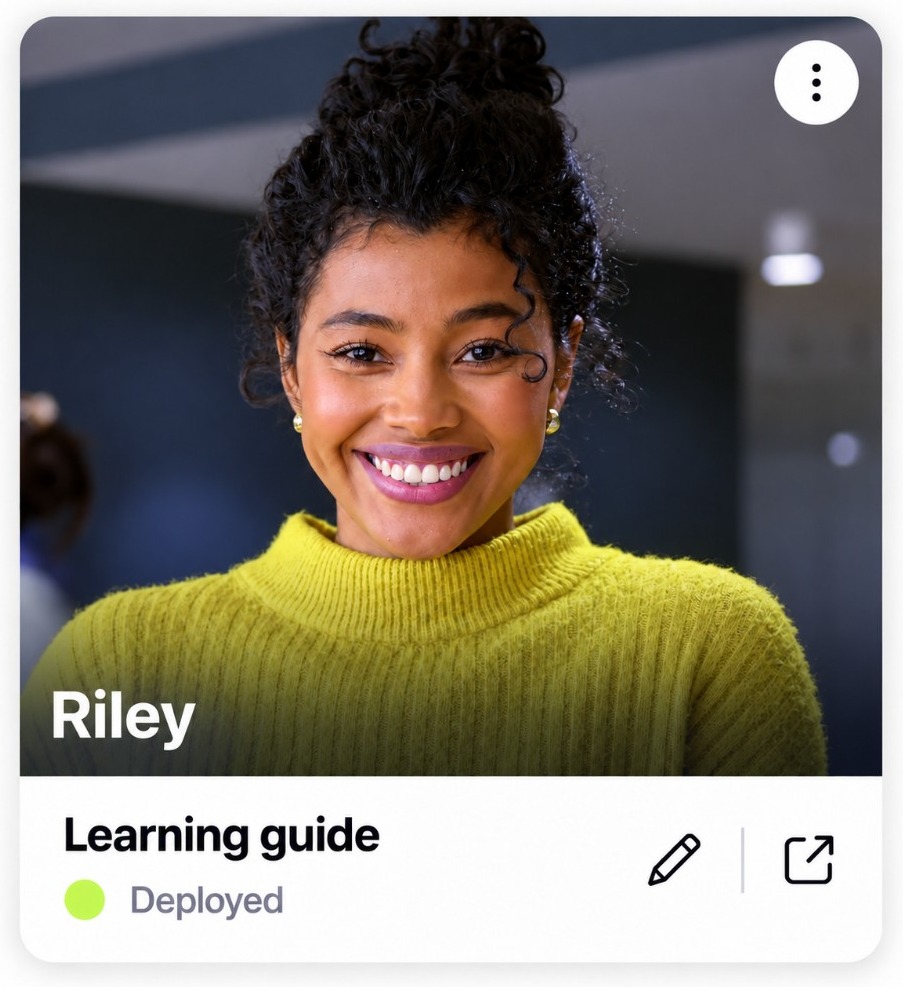
Riley, a practice partner

Built around a task

Try the words before you need them.

Play the other person in a difficult conversation and respond to the learner’s approach.

Response style
You
Your interruptions are making team reviews difficult.
Riley
I thought I was helping us reach a decision. Can you give me an example?

Connected knowledge The scenario, practice goals and responses from the session.

Concept characters and written examples. These replies illustrate speaking approaches; they aren’t live Studio responses.

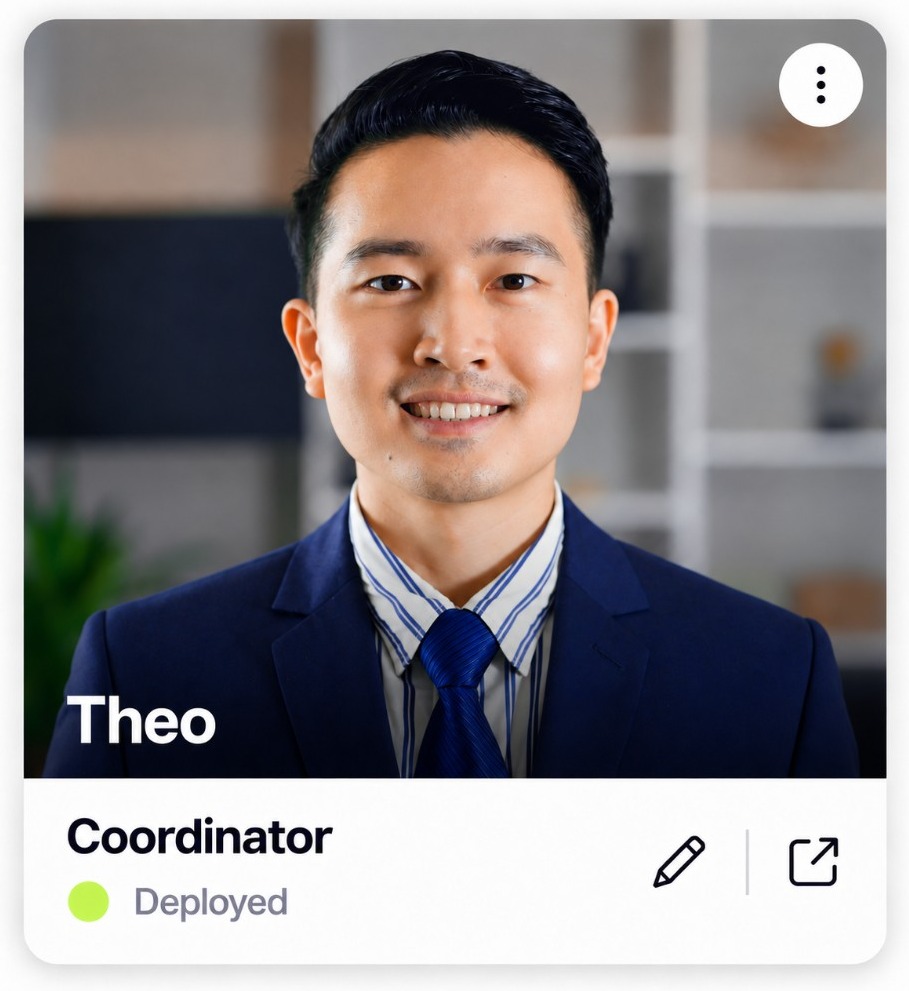
Theo, a learning guide

Built around a task

Help someone understand the next step.

Explain a topic and respond to a learner’s questions.

Response style
You
I’m new here. Which tool should I open first?
Theo
What do you need to do first: meet the team or work through your checklist?

Connected knowledge Training material, the learner’s role and lesson objectives.

Concept characters and written examples. These replies illustrate speaking approaches; they aren’t live Studio responses.

The Studio workflow

Build around the conversation.

An onboarding guide and a practice partner have different jobs. Choose the content and behavior that fit yours.

Read the Studio guide

01

Start with a project.

Choose a template for the experience you want to create.

02

Shape the character.

Set the appearance, behavior, voice, and language.

03

Connect your content.

Add the conversational content and services the avatar will use.

04

Preview and deploy.

Review the conversation, then follow the deployment steps for your account.

Continue your project

Studio, code, or a little help.

Your Studio workspace

Open your avatar projects.

Open Studio

Studio support

Find setup instructions and troubleshooting guides.

Go to support

In development

See what we’re building next.

Role-play, L&D video, an avatar API, and conversations with specialist agents.

Early access

Put a face on the work your agents do.

We’re opening early access with a small number of teams.

Tell us where to reach you, we’ll bring a digital person to your next call.

You're on the list. We'll write when the preview opens.